Run the clock on your station
The program clock is a forkable primitive. A station gets its own themed smart-TV rundown by reading the hub’s clock, scoped to its providers and categories.
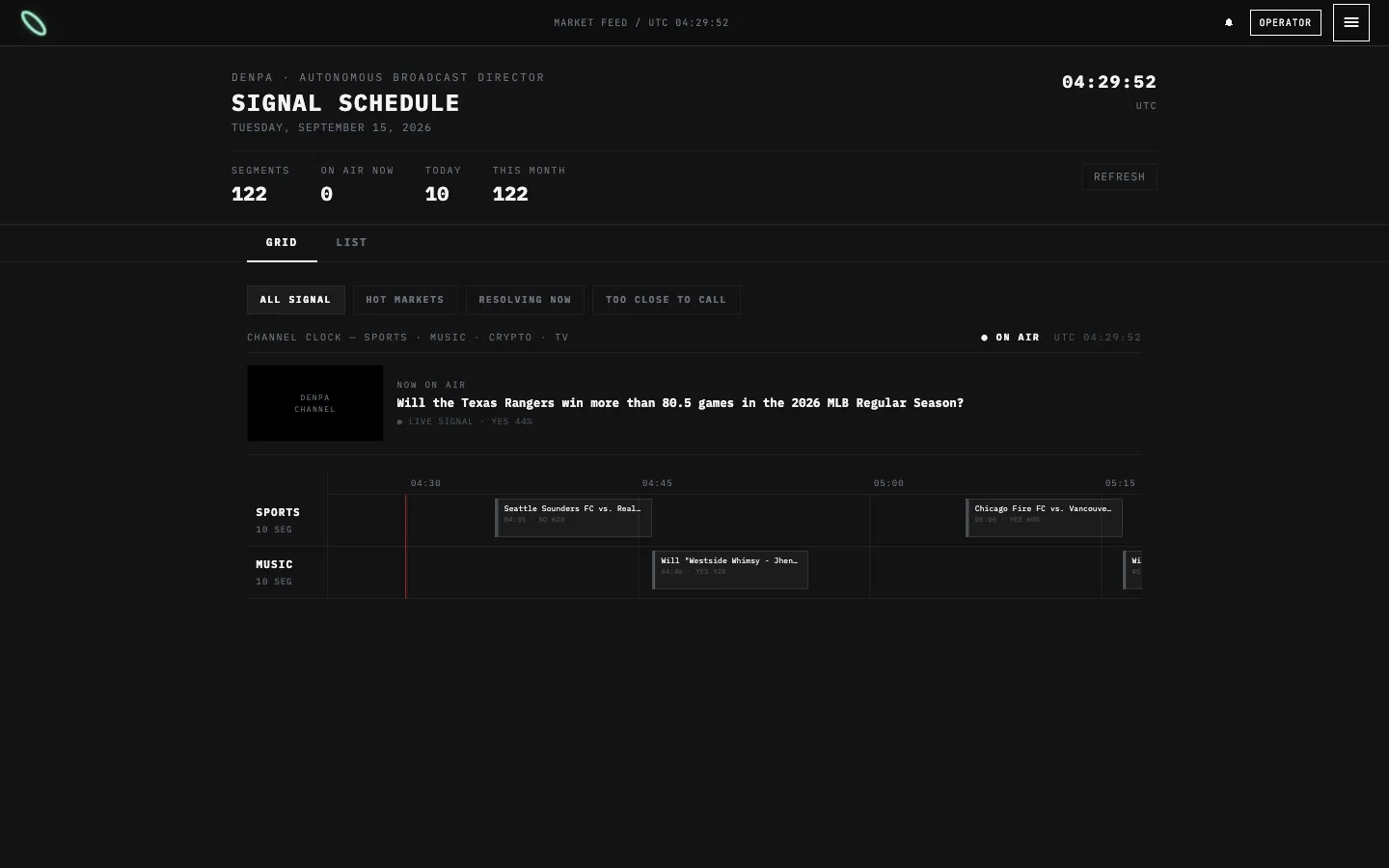
denpa.ai/broadcast — the same program payload your fork gets from /api/network/program.
Read the rundown
Section titled “Read the rundown”curl "https://denpa.ai/api/network/program?providers=polymarket&categories=music,film&limit=50&lanes=0"{ "enabled": true, "generatedAt": "…", "total": 212, "lanes": [], "segments": [ { "id": "…", "marketId": "559652", "title": "…", "category": "music", "kind": "content", "yesPrice": 0.62, "startsAt": "…", "endsAt": "…", "status": "live", "curationReason": "…" } ], "spec": {} }preset=hot | resolving | closeor aFilterSpec(categories,minVolume,maxVolume,minYes,maxYes,maxResolveHours,topPerCategory).providers=polymarket(default) orkalshi— a Kalshi station getskalshi-<TICKER>ids.limitcapssegments(default 200, max 400);lanes=0halves the payload.{ enabled: false }when unwired. Render the TV-static placeholder.
Known clock categories: music · film · tv · celebrities · fashion · internet · culture · sports · esports · politics · news · science · crypto. The hosted clock airs the first nine by default; name the others explicitly to allow them for your channel.
In a monorepo fork
Section titled “In a monorepo fork”export default createForkBroadcastPage(config, { categories: ["sports", "esports"] });PROGRAM_CLOCK_URL is optional. Set it only to run your own instance (different weights, horizons, or a persisted rundown):
railway add --service <name>-clock# DATABASE_URL, DENPA_ALLOWED_CATEGORIES=crypto, DENPA_INCLUDE_CRYPTO=1# then on the fork: PROGRAM_CLOCK_URL=https://<name>-clock-production.up.railway.appPlay / pause
Section titled “Play / pause”The TV surface’s ▶ / ❚❚ holds the current pick; it never stops the clock. The countdown badge and clock sit above every other overlay.